
Mad-Bus Mayhem: The Player’s Experience
Cover Art By Aidan Matschiner. Mad-Bus Mayhem ©
Engine Used in Development: Unity 2022
My Role(s): Lead Designer & Physics Engineer Designer
Team Size: 9
Development Period:
–
Itch Link: Mad-Bus Mayhem by Legally Conflicted Studios
The Drifting & Driving System
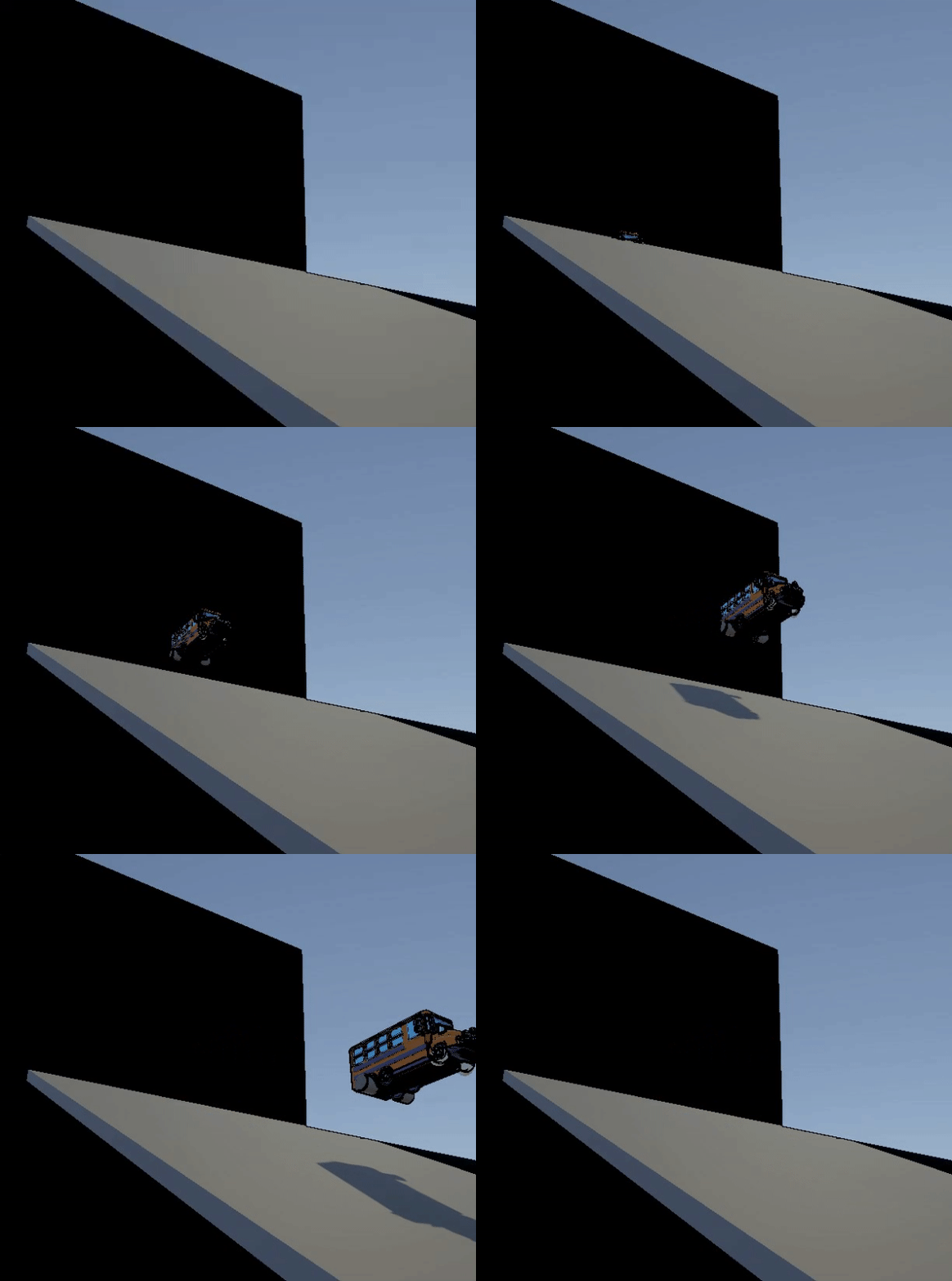
Ramping off the player’s spawn.
Mad-Bus Mayhem, created by our team, “Legally Conflicted Studios”, was a Champlain College Capstone game that I had the pleasure of working on in 2025. In MBM, you play as the sole bus driver in a wacky and somewhat outlandish world, equipped with nothing more than your bus and the hope that you’re not late. Remember, you’re only paid a set wage, so overtime is strictly FORBIDDEN. To get the kids to school on time, you must barrel, dodge, and floor it through the world, letting nothing stop you in your path. On the evening route, take control of your time and, if you’d choose to, help kids with their random and silly hijinks. This town needs the world’s best bus driver, but instead, they got you.
Part of my work on MBM involved the player feedback for the bus itself, working on the physics and control systems needed to keep the player in control. As a designer, my initial understanding of vehicle-based physics was very vague. I understood that the player needed quite a bit of leeway in terms of being able to take sharp turns, hit bumps, and easily maneuver through the world while remaining upright the entire time, but I had no clue how I was going to solve this. Because a system like this is constantly iterative, it required a lot of trial and error to get it feeling both comfortable and energetic. The first iteration drove, but it felt so constrained and hard to control.
Week 3, Major Driving System Iteration Using Unity Wheel Collider.
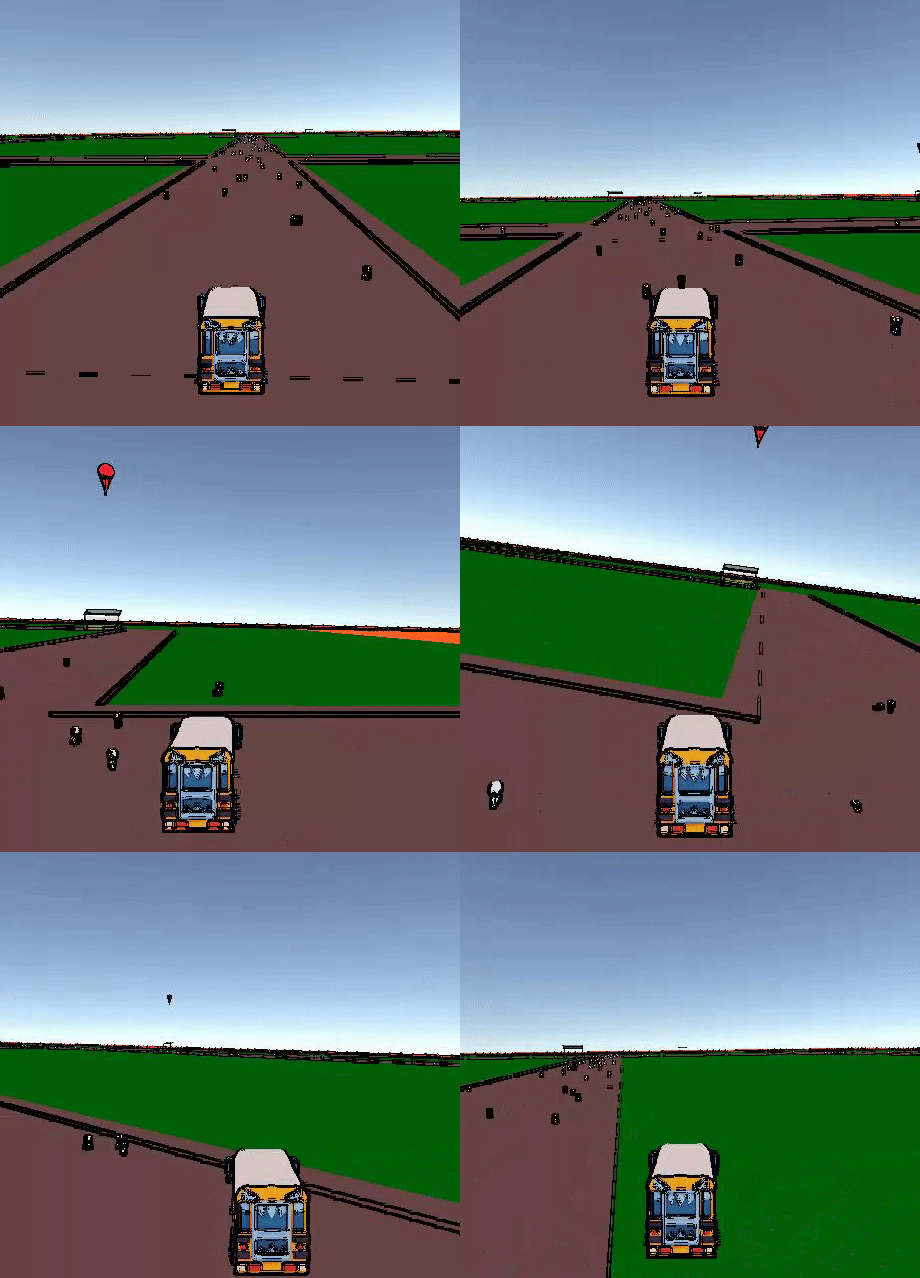
Week 4, First Drifting Iteration & Speed/Velocity Adjustments.
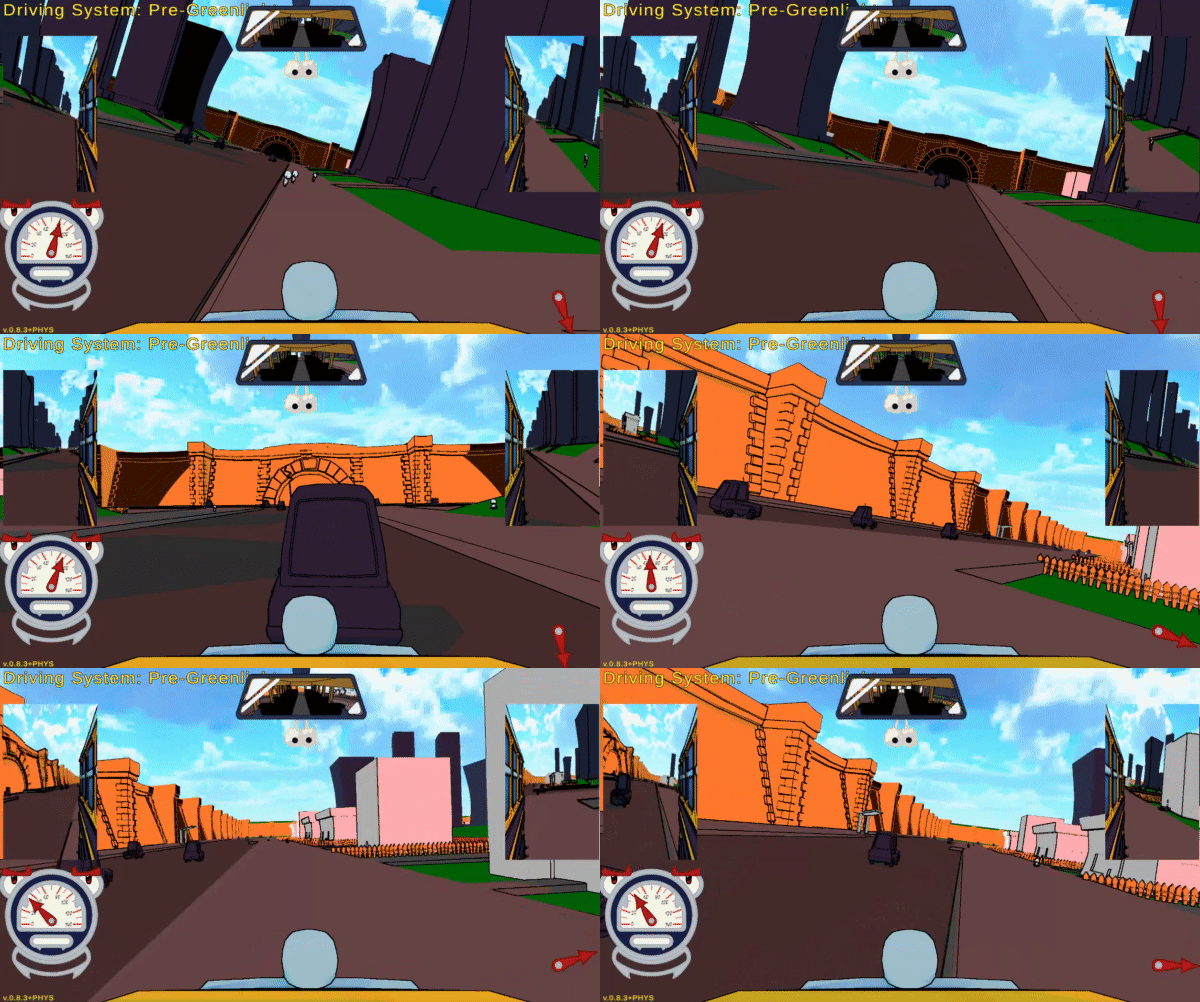
My second major iteration of the driving system was definitely faster, clickier, and still just as perturbing as the first one. This was also the first major iteration of the drifting system, which came with a lot of tackleable challenges. For starters, I originally intended to try to use an impulse force on the rear of the bus to push it in a flicking motion against the air, trying to simulate drift that way, but I quickly realized that it would just flick the player out of their drift and into a tailspin. During hours of repair and adjustment to speed and the wheel system (using Unity’s included wheel colliders), I eventually found that simulating drift with a fake pair of rear wheels opposing the rotation of the front wheels, you could get a relatively drifty-feeling system. That was when I hit the next road bump, which was returning the player’s movement and limiting the oily, infinite drift as shown on the right.
This version of the drifting went through iteration after iteration, pushing the player using explosion forces, slamming the velocity in and after the drift, adding polar forces and anti-rolling mechanics to prevent tilting, and so much more. It was during this time that we also began tackling the second major concern with the collision system. On occasion, if the player hit an interactable object (intended to fling away from the player), it would instead halt the player entirely. We tried adding trigger boxes, adding tags and layers on the bus, and after quite a bit of work, we ended up adding a secondary chassis, invisible to the player, that would handle the collision without having physics itself. This solved one problem, but our sliding was still our main focus moving into our third major iteration.
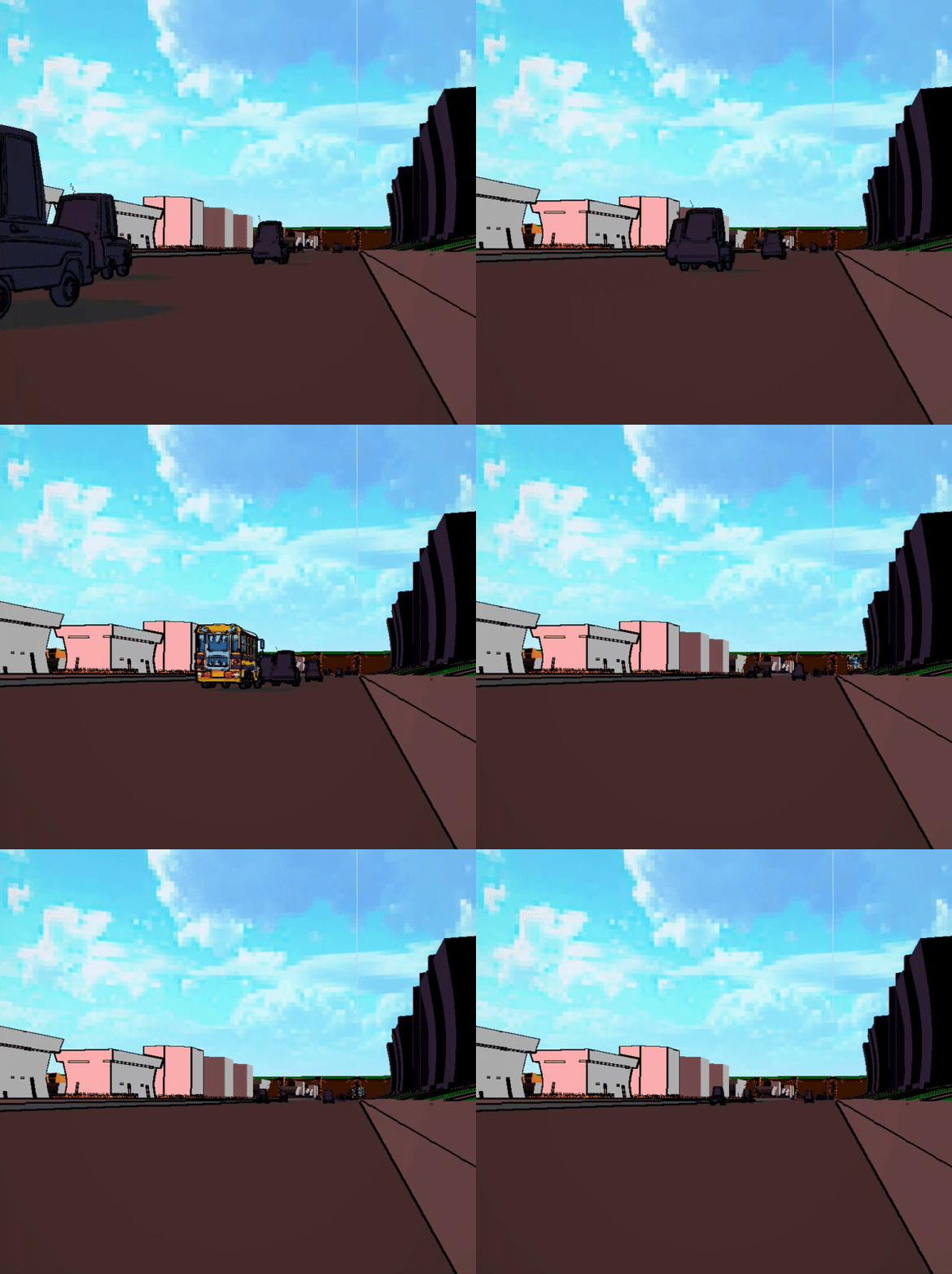
Week 7, Collision and Worldbuilding.
Week 8, Drifting Major Overhaul.
Eventually, and through a lot of trial and error, I came up with a solution to the drifting that involves a forward force applied alongside an increase in the maximum velocity in the direction the player is facing, and a decrease in the direction they’re going in. Not only does this help them around a corner more easily, but it also makes the drift feel more rewarding and less limiting on their experience. This is also when a re-addition of the mirror system was added, alongside a series of 3 camera shots the player could select from to see their collisions from every angle.
The Pedestrian System
One of the many systems that I had the pleasure of working on for this project was the pedestrian system, spawning in walking pedestrians (capsules, at the time) that the player could barrel through when driving around. Originally, I was just going to have the AI wander aimlessly through the world, placed before runtime with a focus on giant bundles rather than specific locations. Using specific mesh boxes, I was able to create areas where pedestrians could walk around without stepping into random areas on the roads or in grassy patches where they’d never be seen. What I found by using pre-runtime spawning (early enough) was that doing this would cause an immense amount of lag, creating a terrible player experience. To combat this, I opted for a trigger that allows AI to spawn in a specific ring around the player, and then they’ll despawn/respawn as the player drives into new locations. It went perfectly over my pre-made meshes, and the AI would only spawn in those specific areas.
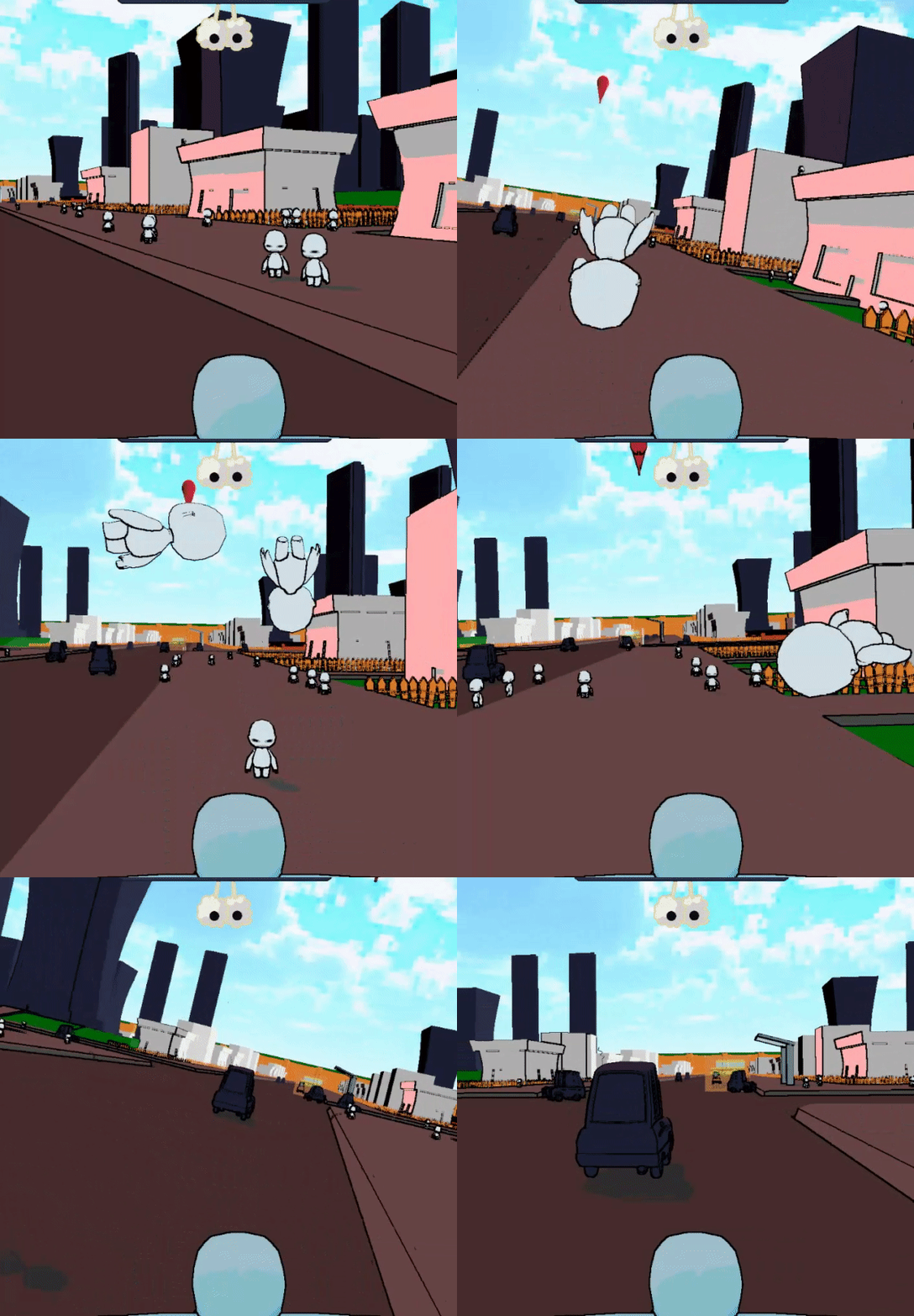
Week 9, Pedestrians being run over.
The Mirror System
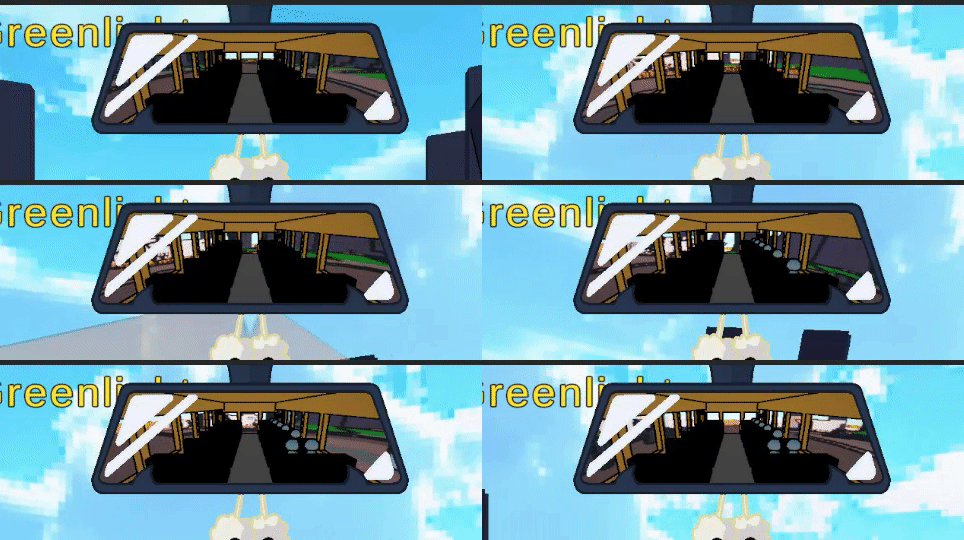
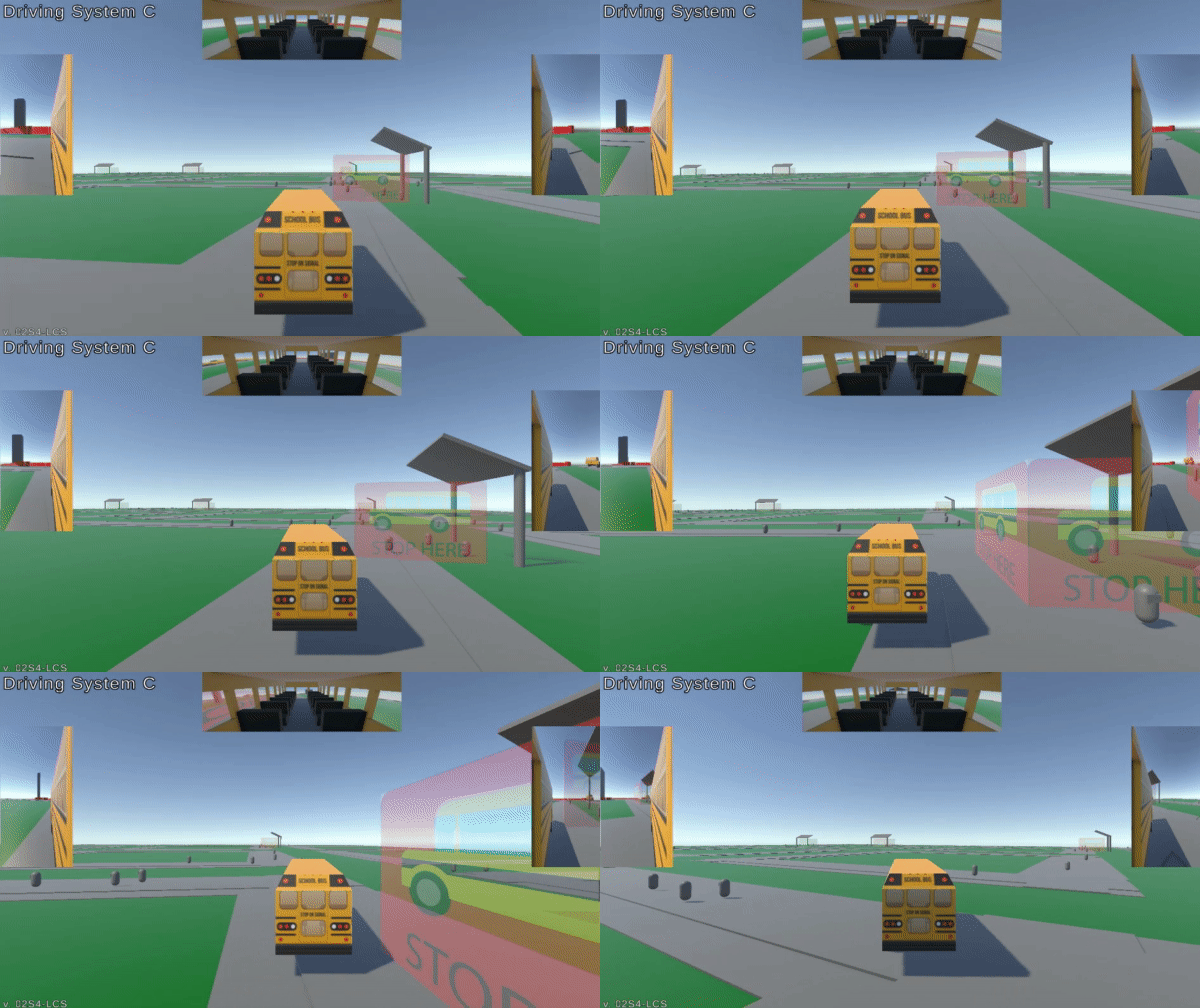
Week 7, Rear-View Mirror During Pickup.
When working on the mirror system for our game, I wanted something that felt diegetic and ‘real’ to the extent of our bus. So, to tackle this, I placed a fake interior of the bus within a reverse-wrapped cylinder, and warped the camera view to display it as if it were really in the world-space. Because of the lighting, the positioning, and the size of the mirror, I was able to make it somewhat honed into the player’s experience without being too jarring. This served to inform the player of the number of kids they’ve picked up along their route, as well as eventually showing the player the “kid of the day” that we had assigned for missions.
Vehicle Tech. Documentation
For documentation (and because of my previous lack of knowledge on the subject of vehicle systems in Unity), I opted to create an internal document that served two purposes.
- Iteration, Communication, and Collaboration
Because of the amount of research that I had put into the wheel colliders, I wanted a place to not only explain it easier, but also to store our values and data in a way that was understandable and easy to grab. Team members could easily refer to this document if something small needed to be adjusted and could easily be iterated upon. - Post-Greenlight Onboarding!
Our team originally had intentions to onboard other players. To prepare for this, I wanted as much documentation on our systems as possible. All of our code in-engine was commented on, and anything out of engine (editor work, tooltip work, inspector information) had documentation to match if needed for clarification.
The Collaborative Profile
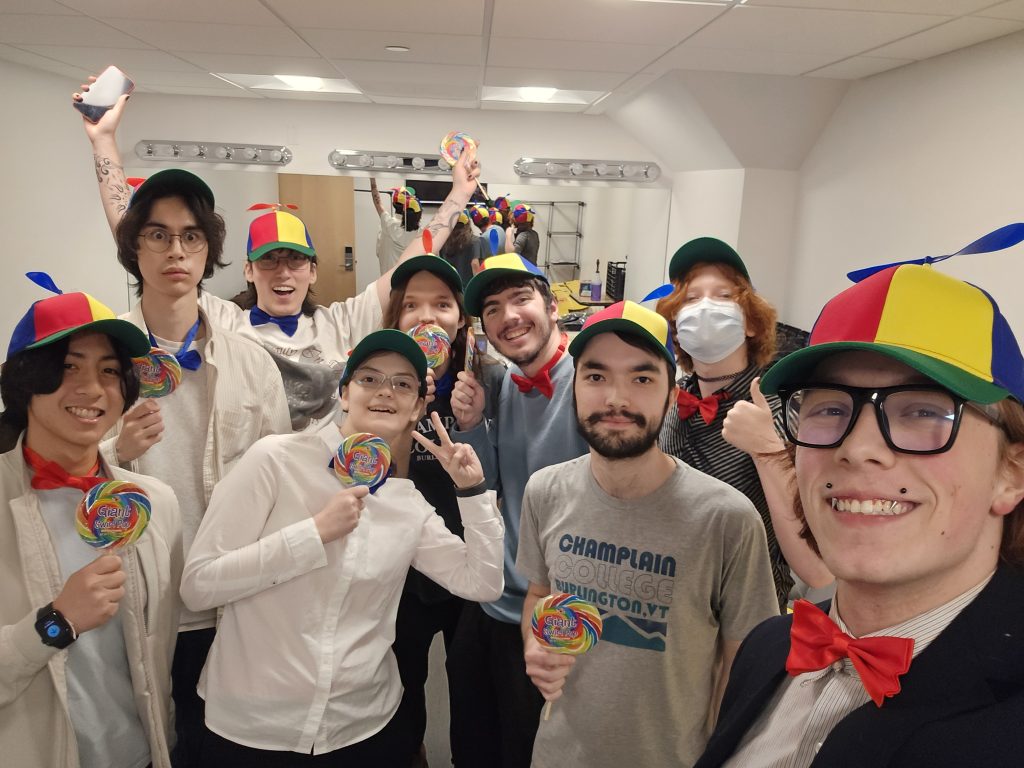
My team for this project was one of the most dynamic, “fun-first” oriented groups that I have ever had the pleasure of working alongside for this project. From our tailored abilities both in and out of the engine, to our overall commitment and charismatic nature surrounding the project, our work always felt more like a bunch of friends building something great, rather than just another assignment to submit at the end of the year. From day 1, we were working together to create an inclusive atmosphere where every member felt included. When we were coming up with the idea for the game, we built a giant document that compiled everyone’s submissions that we iterated on for the first few weeks, ensuring the concept we chose by the end of that stage was the one we all wanted to work on for a semester. Beyond that, we checked in daily with one another as a whole, not only to keep information flowing, but also as a way to promote better working habits.
By the end of the semester, we left not caring if we made it past greenlight since we had already become great friends and perhaps even future co-workers in the process. We astonished numerous alumni, made a name for ourselves, and had an amazing time overall. It is thanks to Legally Conflicted Studios that my capstone experience went as well as it did, and I would work on a billion more projects alongside them in the future.