
The VR Journalist Experience
–
&
–

Engine Used in Development: Unreal Engine 5.7
My Role(s): Lead System & Experience Designer, Curator
Team Size: 3
Previous Work : The Rookies
Milestone I – Deployment & Early Systems
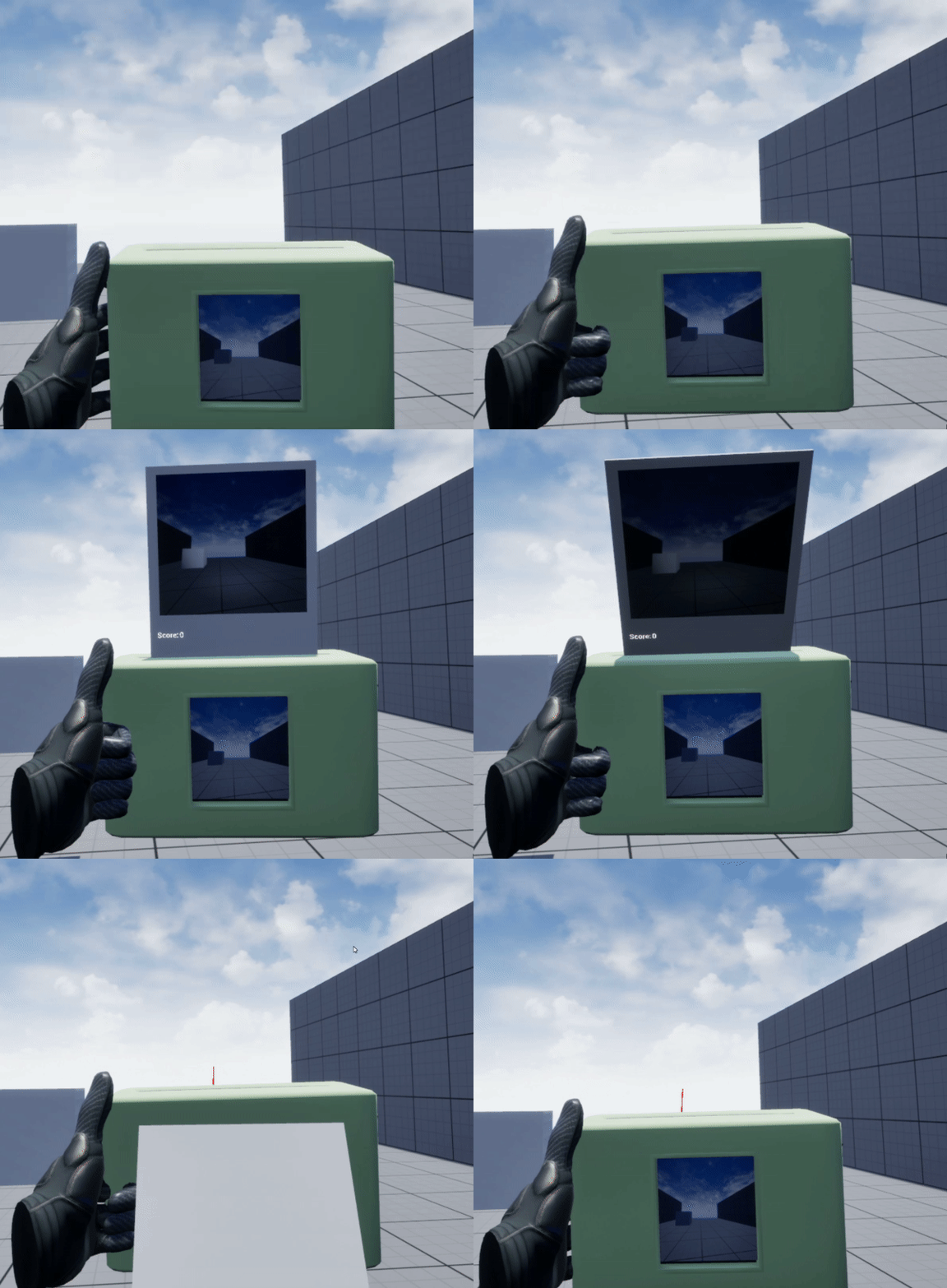
Taking a Photograph, Week 1-2.
During the first milestone, one of the things the team wanted to tackle was the basic systems used to underline the fulfilling player experience. Neighborhood Watch places you, the estranged and disgraced journalist, in a position where you’re doing whatever it takes to get your next big piece. As you were job hunting, you came across a newsletter that caught your attention. “Possible extraterrestrials hiding in our city! Attention!” Equipped with nothing but your camera and your wits, you must navigate through the night to capture the residents of your neighborhood. But, be careful, as some of them aren’t what they seem…
My specific role for this team was working on the player/user experience, XR, and feedback tailored to world-space systems work. This included the main system, our camera and event system, which was reworked from the ground up regarding our previous 4-week excursion, where we tackled the first prototype for this project. During that time, my knowledge of Unreal was relatively bare, so the prototype came out usable, but not to a state that I was satisfied with.
From a multi-calculated photograph scoring system to a dynamic event system (scalable to the needs of the experience), the player will interact with all of these seamlessly to tie together the core loop. It was during this experience that I also put together a compilation of the work I’ve been learning while exploring Unreal Engine 5, the engine of choice for this work.
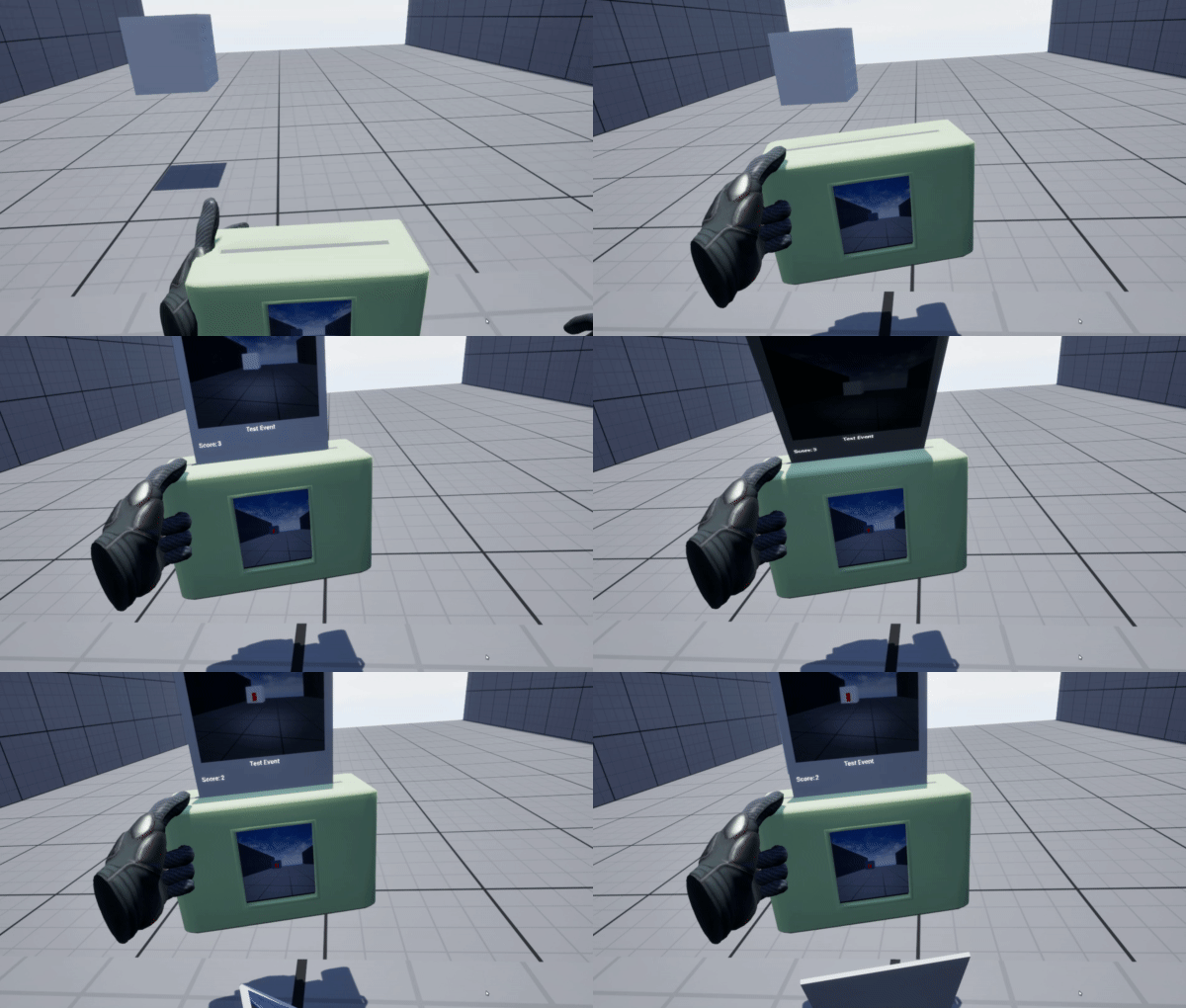
Event-Specific Queues, Week 1-2.
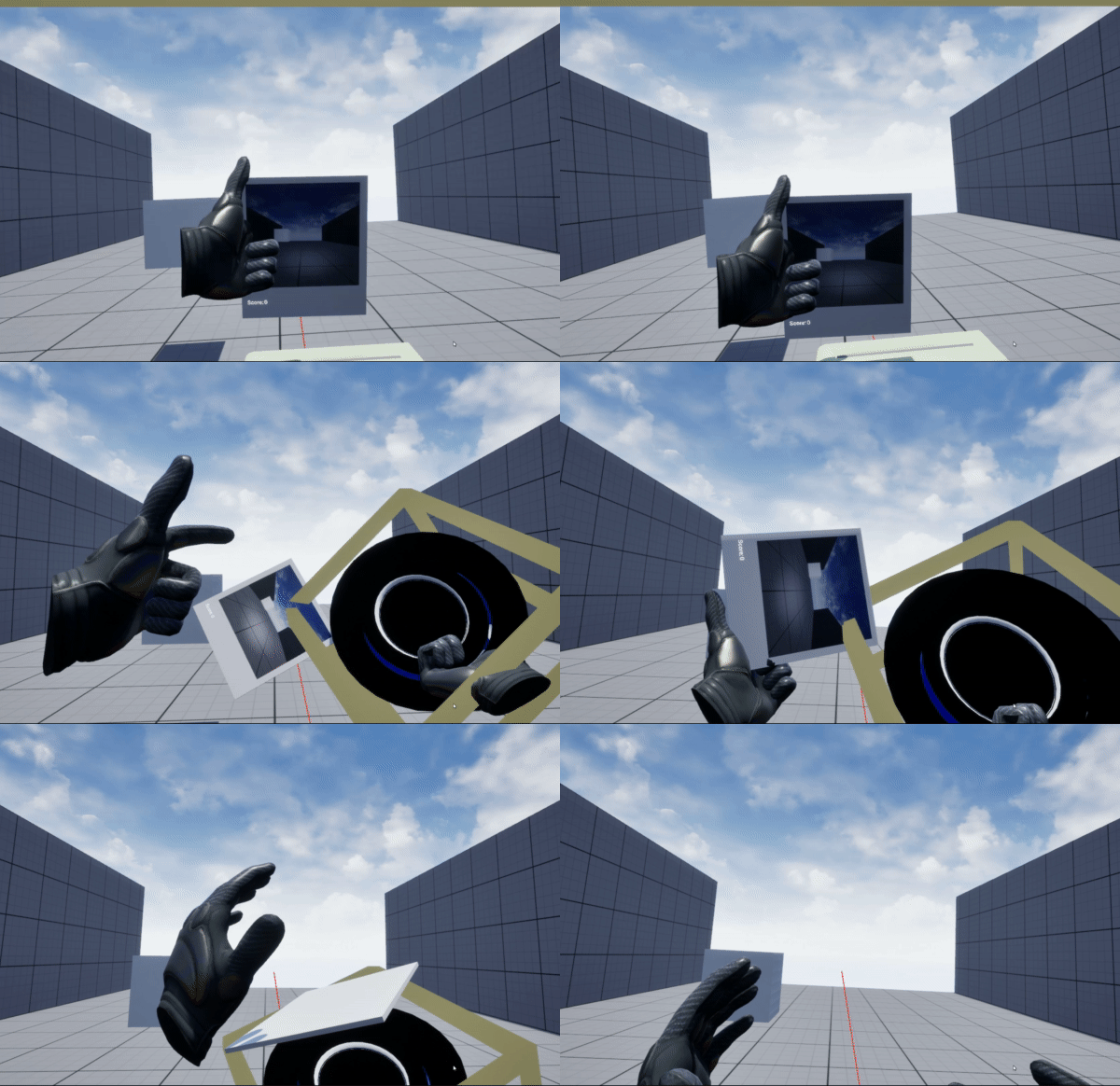
Inventory System, Week 2-4.
Another system that I began working on at this time was our inventory system. Every good journalist needs their black-top fedora to make themselves a real reporter, and as a team, we decided we’d take this feature to the next level to allow for the player to store their photographs inside. In this current iteration, the photographs stick to the hat and are set to be visible/invisible depending on the hat state (on/off). This hat also functions as our scene-switching save system, as it stores all the values from the photos in a struct that can then be pulled at a later state.
In future iterations, this hat system will function a bit more dynamically and may feature more mechanics, but it’s on the back-end since it only serves a single purpose as it stands. It will also stand for a nice cleanup, as it’s currently very janky in this stage and, while it functions, needs to feel more like what we intended.
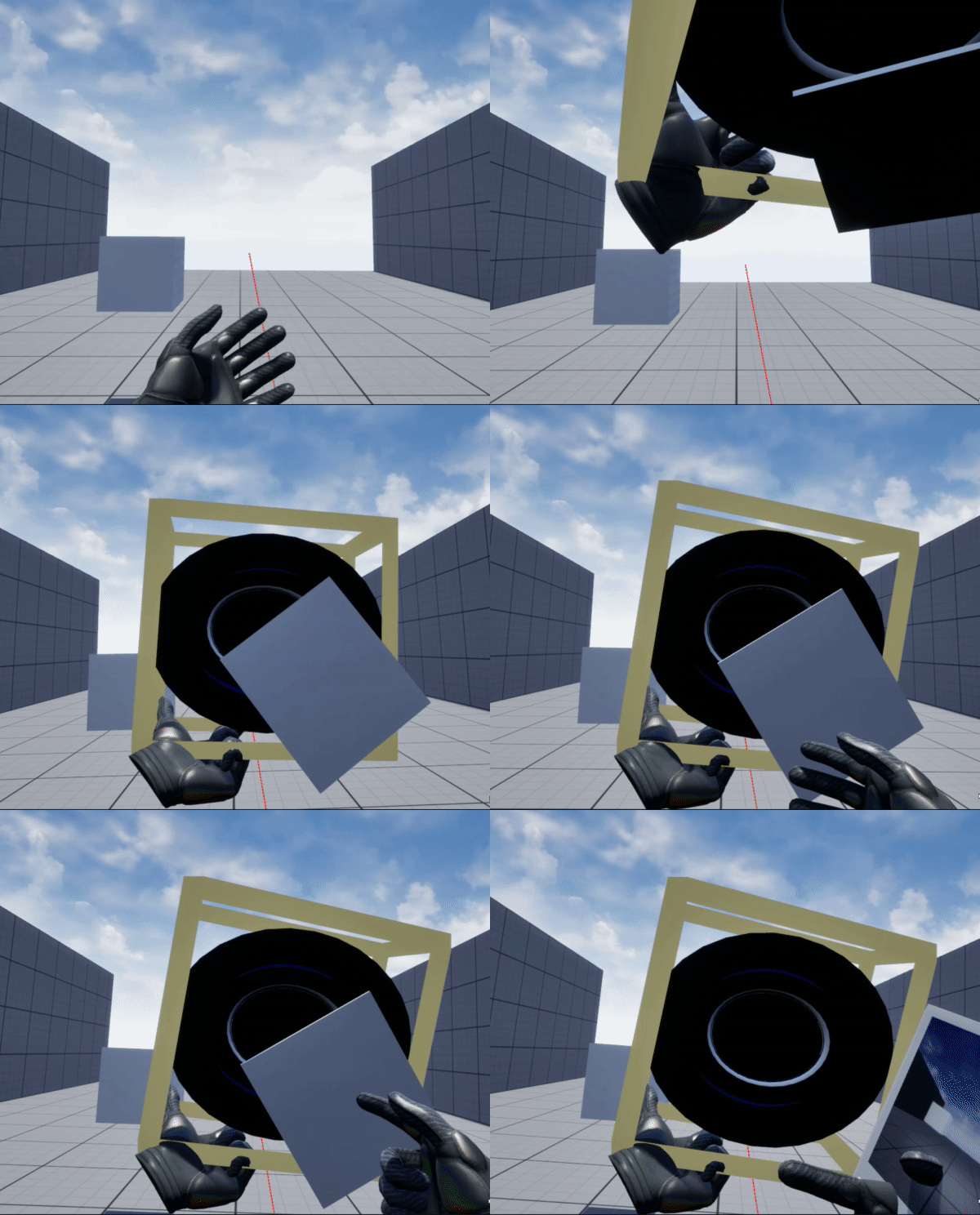
Retrieving Inventory System, Week 2-4.
Milestone II – Scenes & THE Core Game-Loop
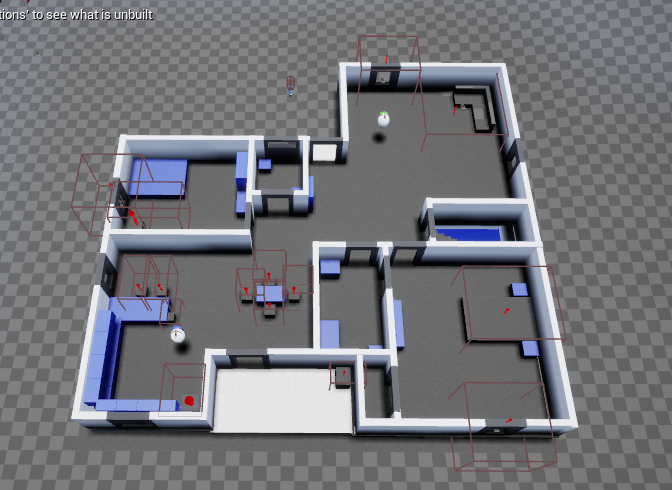
Retrieving Inventory System, Week 5-6.
In the second milestone of work, we focused on the scenes the player would participate in and the core game loop, finalizing and implementing mechanics the player would use in the experience. It’s important to note that a few of the mechanics that we have listed in our master document haven’t made this cut, but we still intend on implementing them in a later stage if we have the scope and resources.
It was also during this stage that our level designer, Emma Zervanos, began fluffing out the furniture and overall layout that the player would experience during their gameplay. In it’s current stage, the level features a select number of assets available through the FAB asset store.
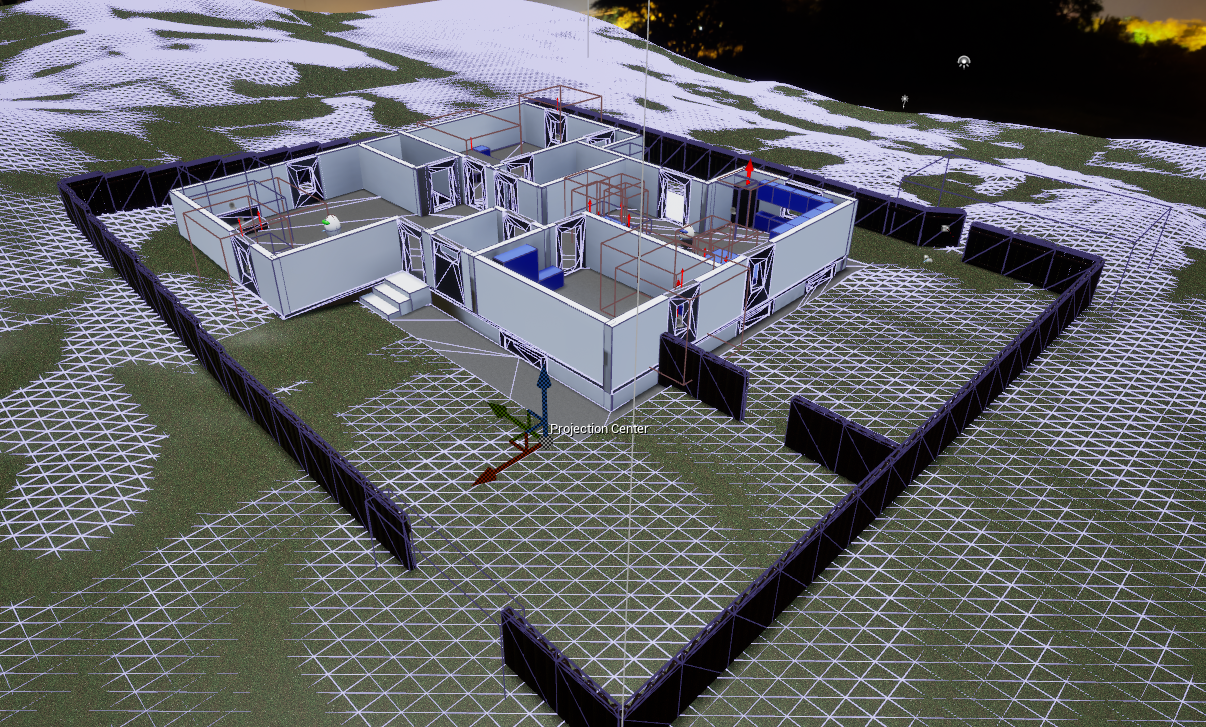
Terrain Layout, Week 5-6.
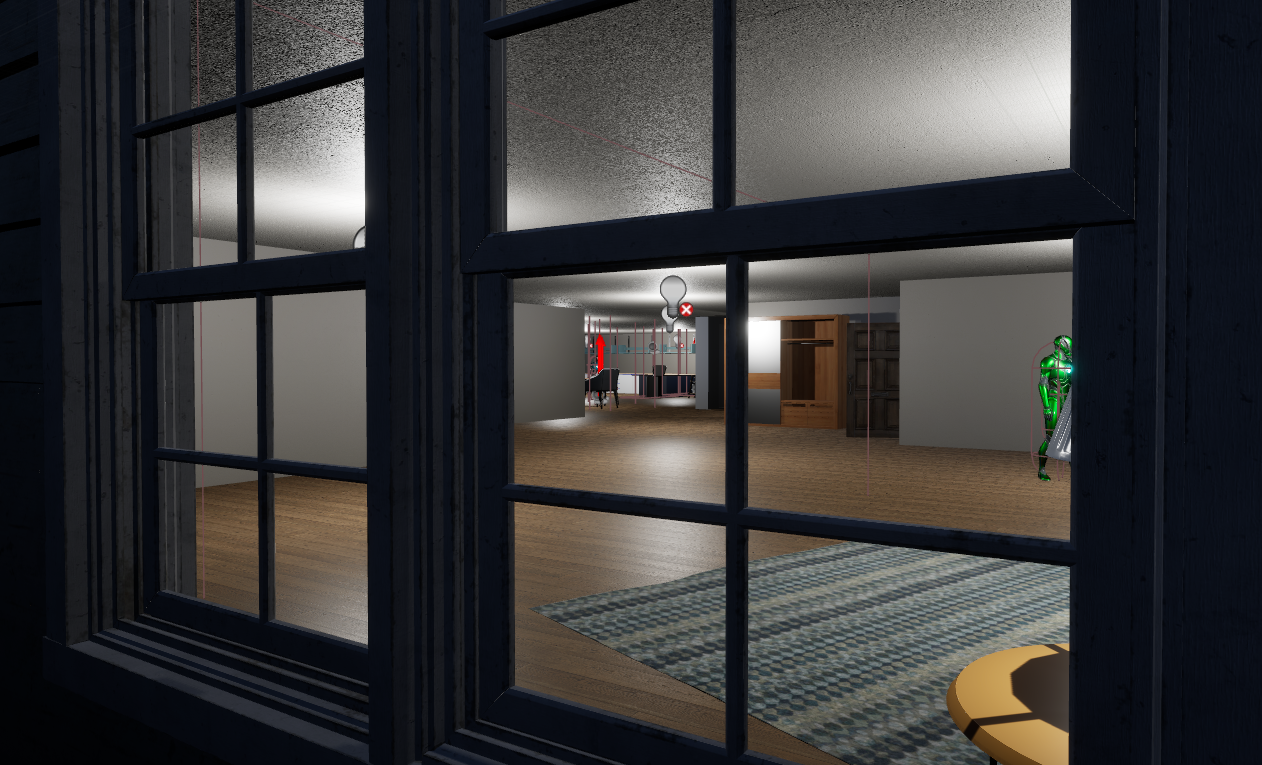
Peering Through the Window, Week 6-7.
The camera system was adjusted, models were refined, and the UI began to also make its way into the scenes to populate well-needed areas. Milestone II was also the marker for our complete MVP (Minimum Viable Product) where we could start the game at the main menu, and get to the end of the game (the newspaper printing), all within one experience rather than through separate scenes. This is also where I encountered yet another save system concern.
In the first iteration of the proper save system, I was experimenting with new structs and interfaces that I thought worked as I intended, but I hadn’t thoroughly tested scene-switching. When it came to the time to test the system with a cohesive scene-switch, I found the first major problem.
The photograph render texture wasn’t transferring scenes, and the score wasn’t transferring either. The methodology was there, and the idea should’ve worked (in theory), but I failed to account for the fact that I was saving all of the materials in memory, which UE5 deletes when a new scene is loaded.
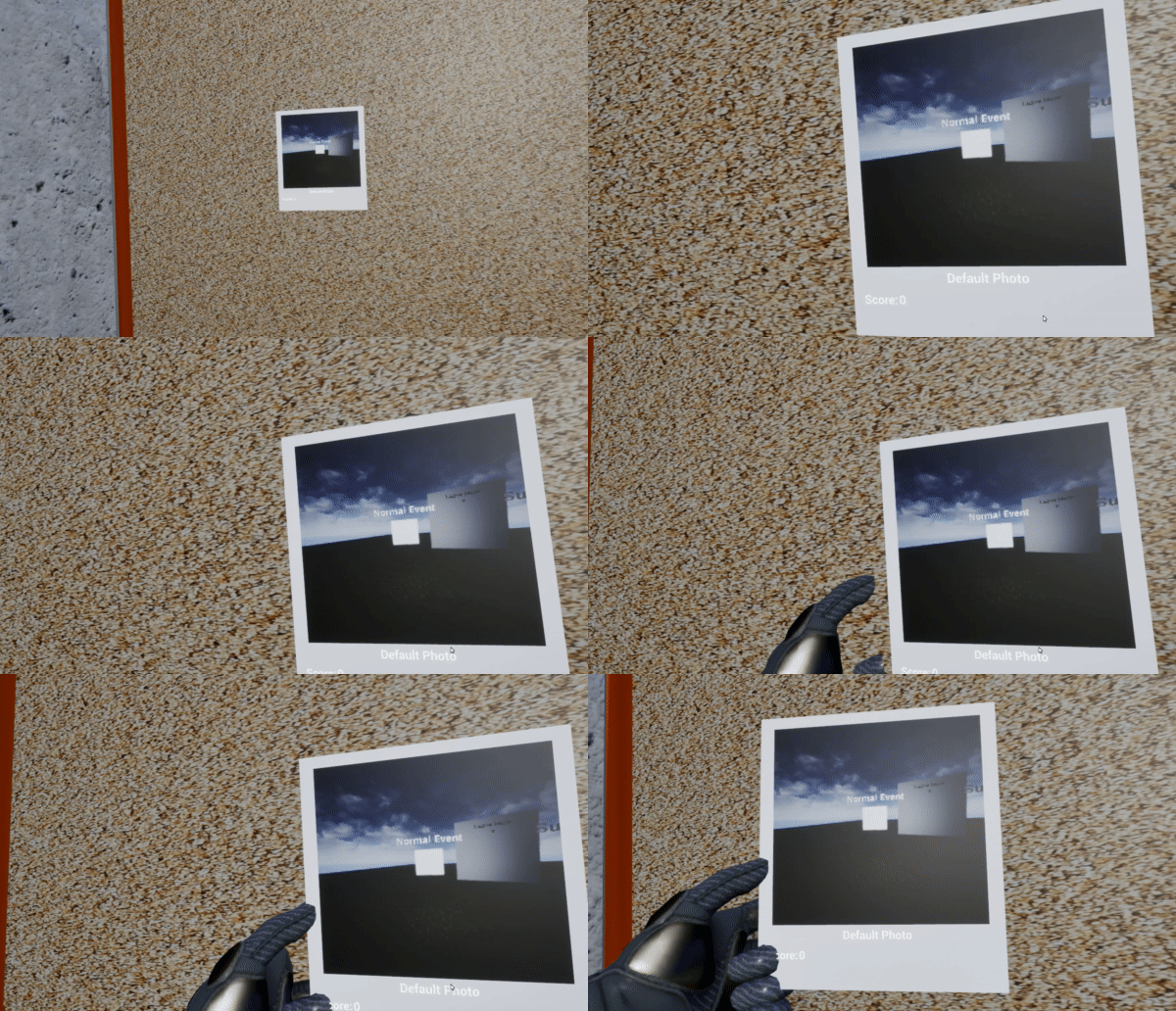
Inventory System’s Transferred Objects, Week 6-7.
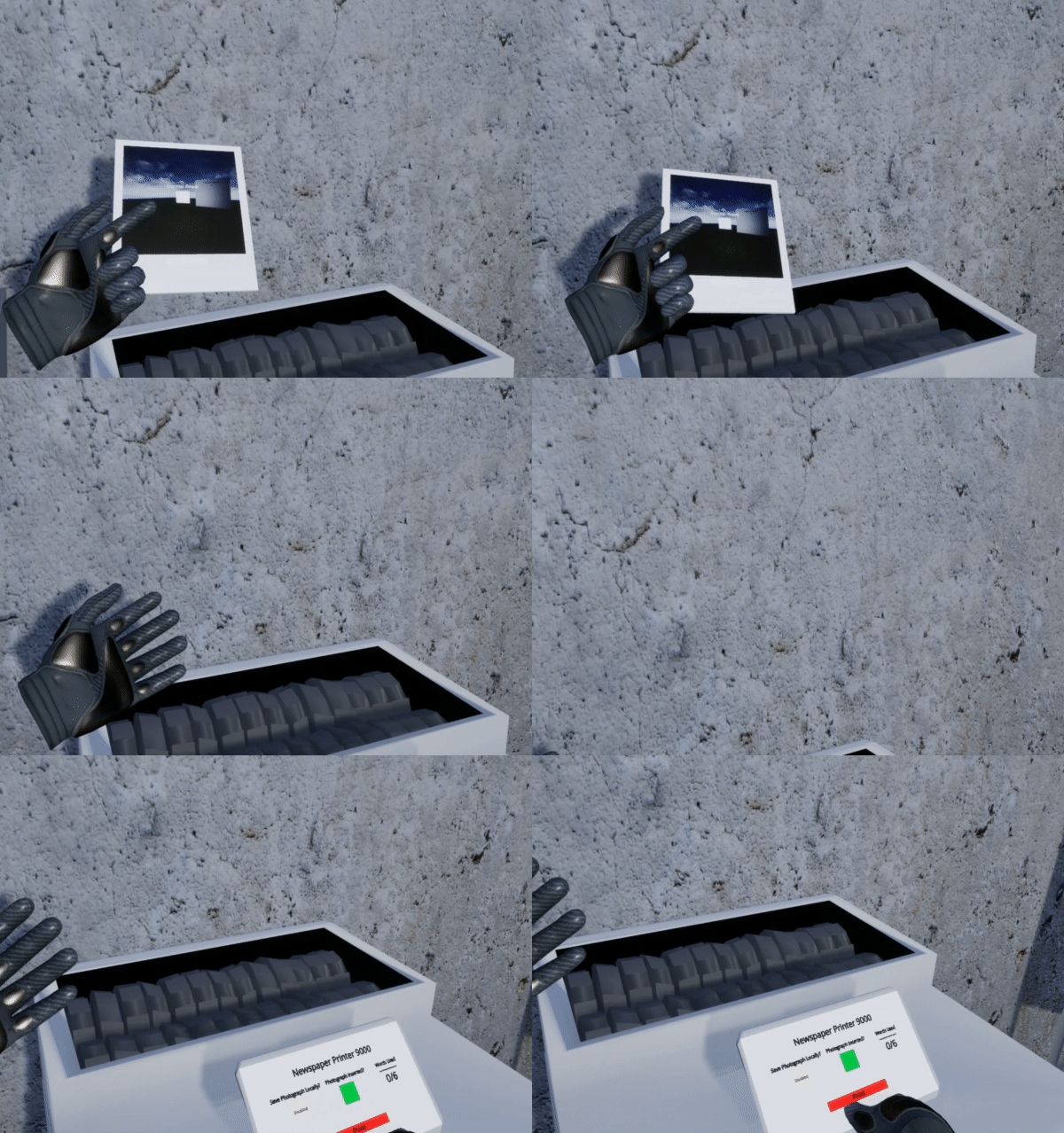
Throwing Photograph in Printer/Shredder, Week 7.
So, the secondary option (that I didn’t want to do originally) was to revert to a previous save system idea using updated tech. The photographs are saved in a physical folder before the player leaves the level, and the data associated with each photograph is saved in a SaveData array of all the needed info (the photo score, the “blurriness”) and our other arbitrary values that we used to calculate the photo’s “quality”. This allowed me to then transfer to the next scene, pull the photographs in a new array, and combine them with the data I transferred to reference it in the next scene.
As for the newspaper system, it operates using the original save method that I intended, referencing images stored in memory that can then be pulled from the image and re-displayed on the newspaper itself. In Milestone III, it’s intended to have both VFX (such as “shredding”, the comical portion), and sound effects, that add to the player’s experience and help them understand what needs to happen.
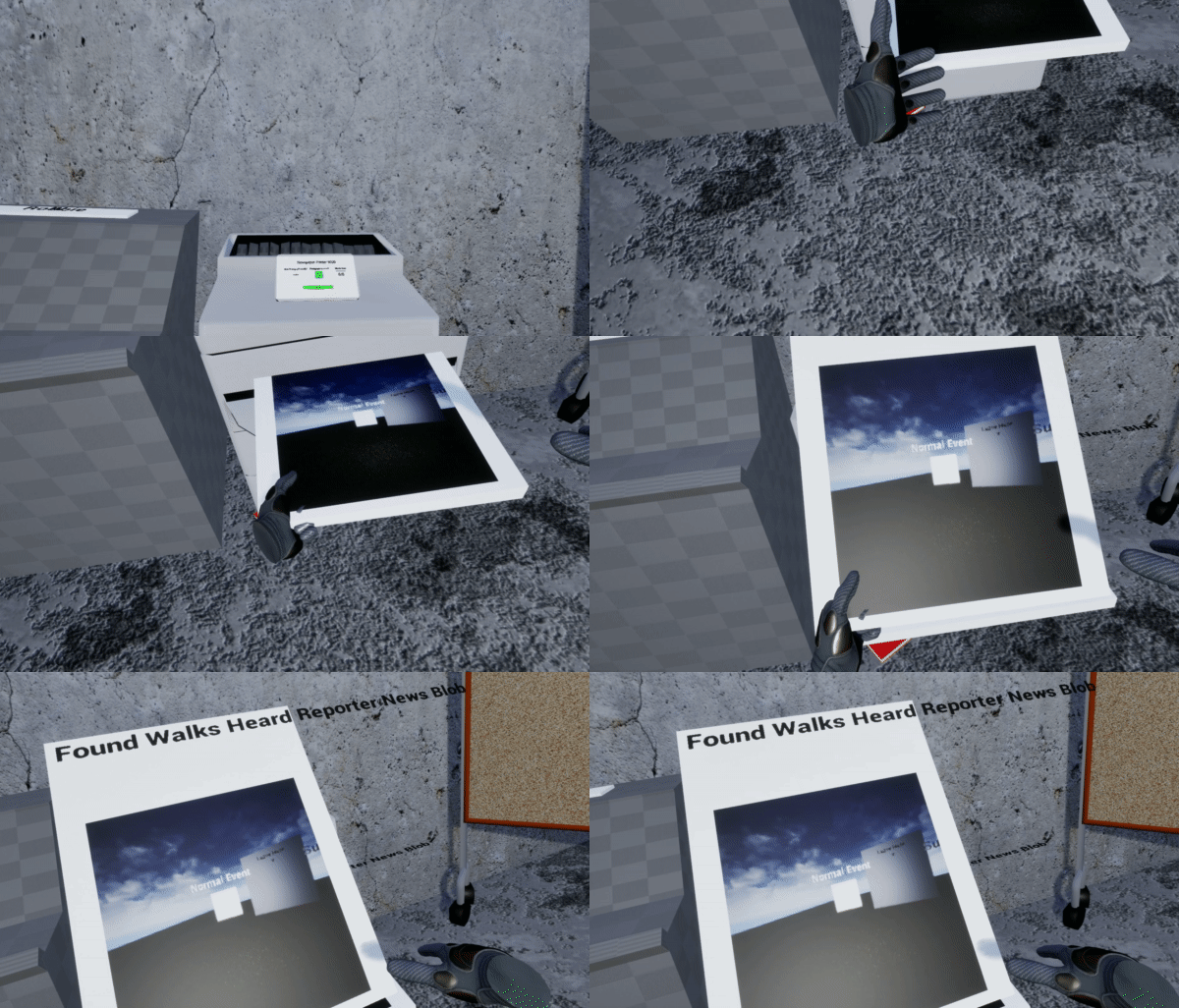
Printed Newspaper, First Draft, Week 7.
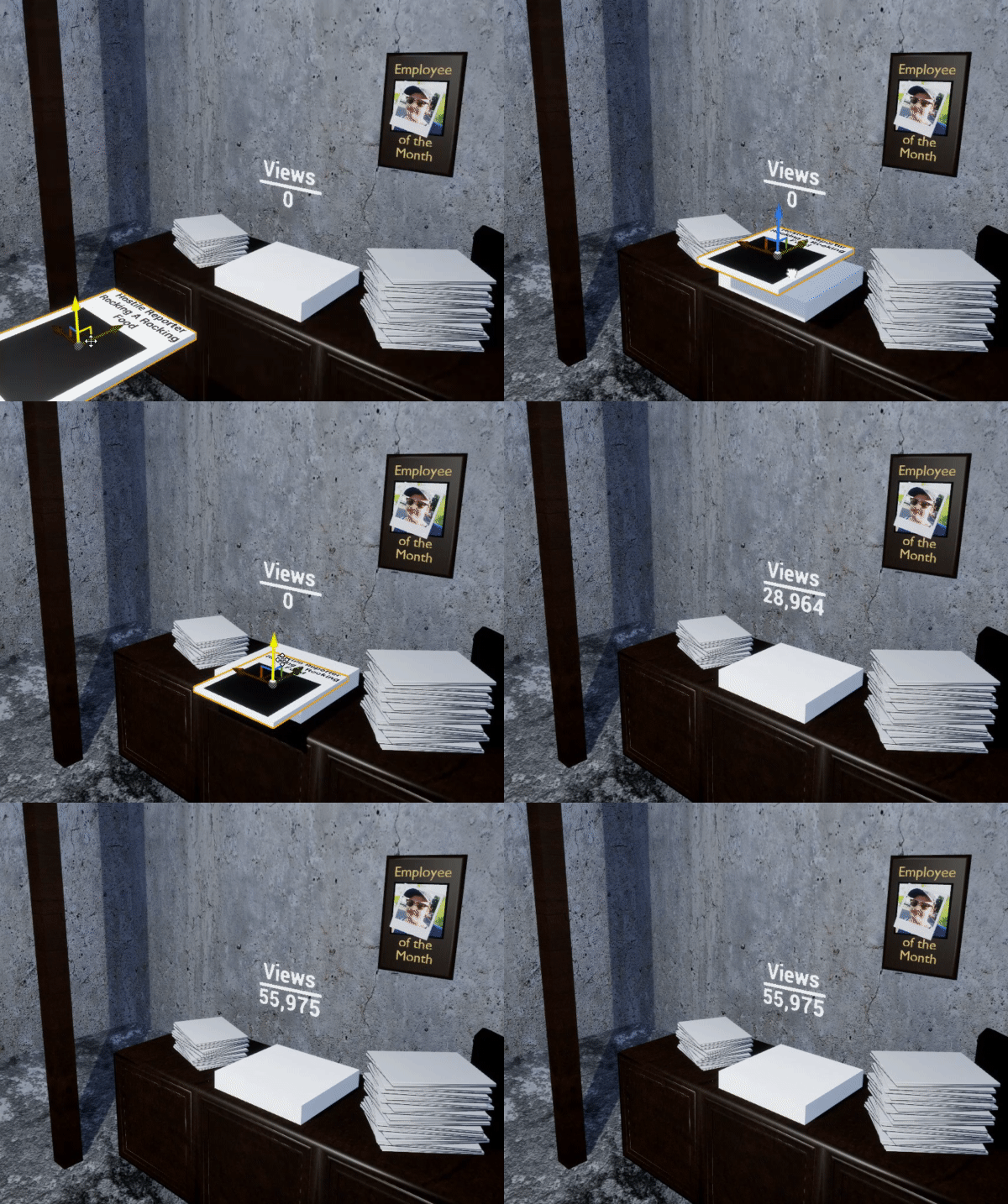
Scoring the Newspaper, Week 8.
Then, the photograph score is calculated alongside a few more arbitrary values (buzzwords used on the newspaper, previous “viewers”, etc). At this current stage, the score doesn’t save at the end of runtime (when the player quits the experience), and while it’s in thought, it’s considered over-scope for the course of our semester.
Milestone III – The Final Stretch
Our final milestone was dedicated to fluffing and finalizing some overscope with our game loop. One of the first major things we needed to tackle in this milestone was our fail-state, as no game is complete without a way to be incomplete, after all. Our fail-state activates on two calls:
1. The player fails to complete their objective before 4 am. Each hour in the game is about a minute of playtime, so the player (beginning at 11 pm) will get about 5 minutes to complete their cycle. If they fail to complete the objective by 4 am, they will trigger the fail-state.
2. The player is spotted or creates enough ‘suspicion’ in the AI to have the fail-state triggered. The player will not know their suspicion value, but they can infer based on the way the AI interacts with the environment. The AI may start looking through windows more and may also refuse to participate in certain tasks that make them stand out (being the creature or human).
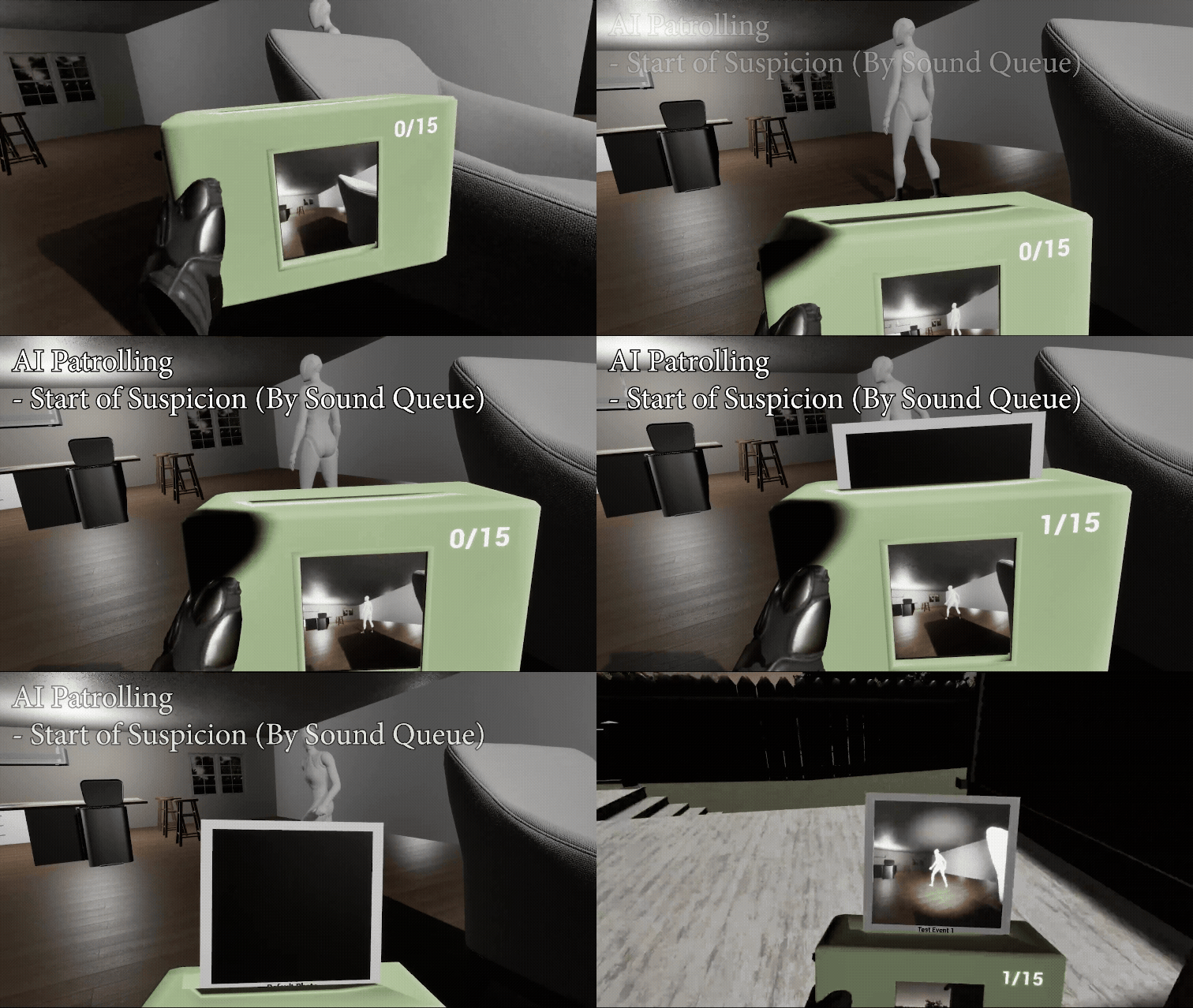
AI Patrolling & Photographing (Suspicion).
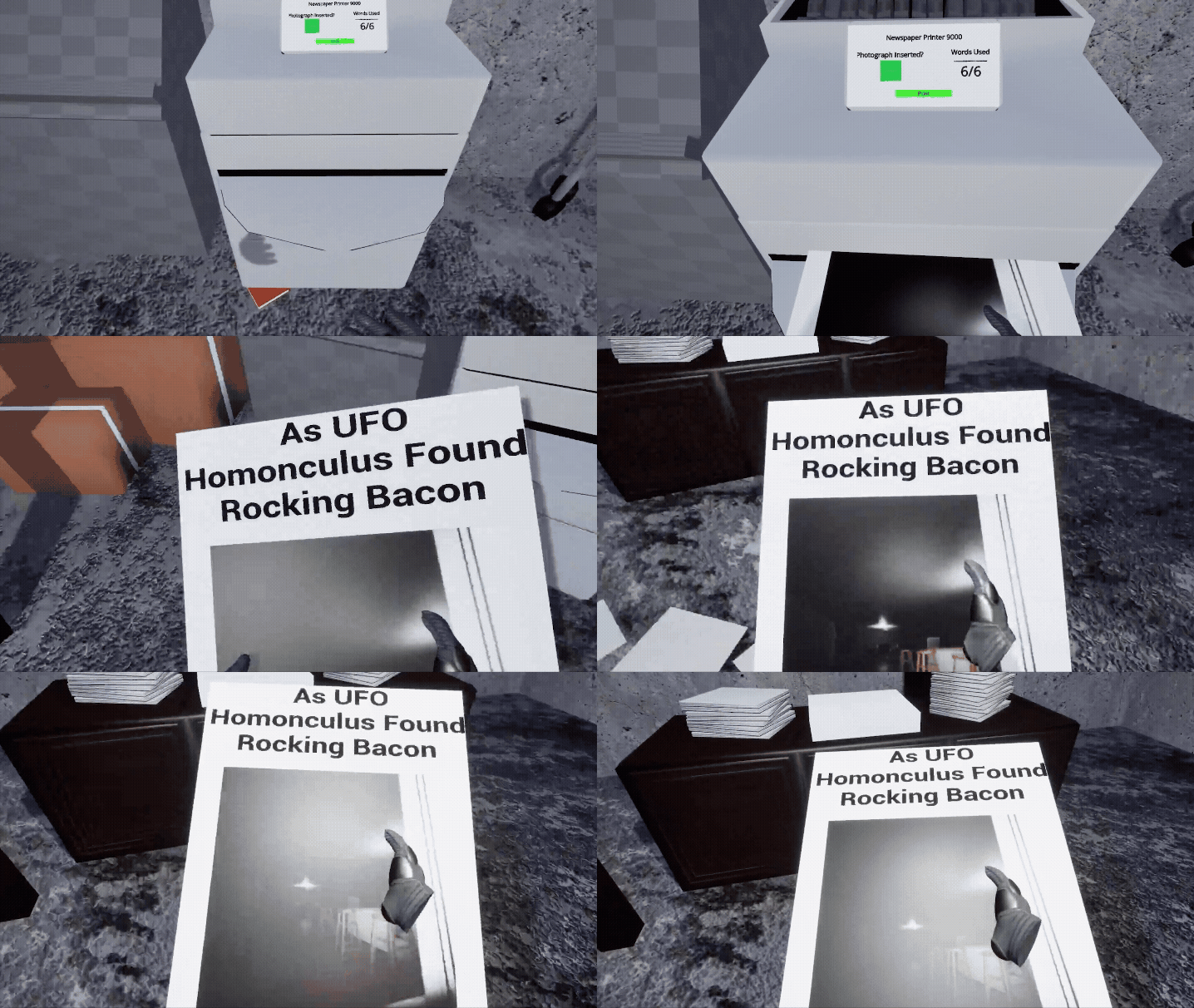
Updated Newspaper Printing, Weeks 9-10.
But what is the fail-state?
The fail-state for the experience is a police swarm that is called on you for your suspicious activity. Because you’re scoping out an area (and technically trespassing), the police will arrive to arrest you/take you away from the location. This clears the photographs you’ve taken and will result in a zero score being allocated for that day.
Alongside all of this came numerous fixes to the player’s interaction both with the camera and the world space. Such is the case with photographs sticking to the camera (rather than falling off in the world-space), and climbing (which allowed for ease of access to different, previously unaccessible locations). By increasing the amount of player interaction and natural assistance, the player will in-part feel less stressed with the gameplay and more focused on the parts that actually matter.
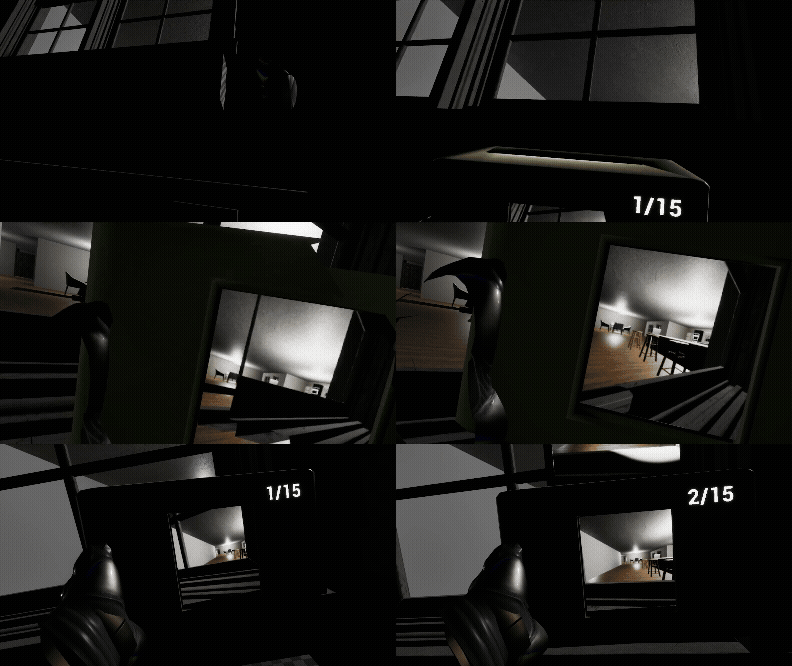
Climbing and Peering Through Window, Week 11.
In Retrospect: Perspective Shifting of UE5, VR, and XR
Retrospective & Showcase, Unfinished Demo.
The experience we got as a team is monumental, especially in the realm of VR/XR game development and deployment. While we did not reach the initial state we were hoping for (as every developer has a little bit of overscope), we reached a point that we were satisfied with that hit every solid goal for our MVP. Having worked in UE5 before, I am in love with the engine, and I know it can be used to create a lot of beautifully developed experiences. Being able to take part in this experience while learning it for a seminar has been fruitful, and I hope to take it and run with it moving forward.